Web Analytics Made Easy - Statcounter
Skip to content

Screenshots Gallery

This page provides a visual tour of the Duckling interface. All screenshots are captured in dark mode.

Screenshot Status

Some screenshots may show placeholders. See the Screenshot Guide for capturing instructions.

Main Interface

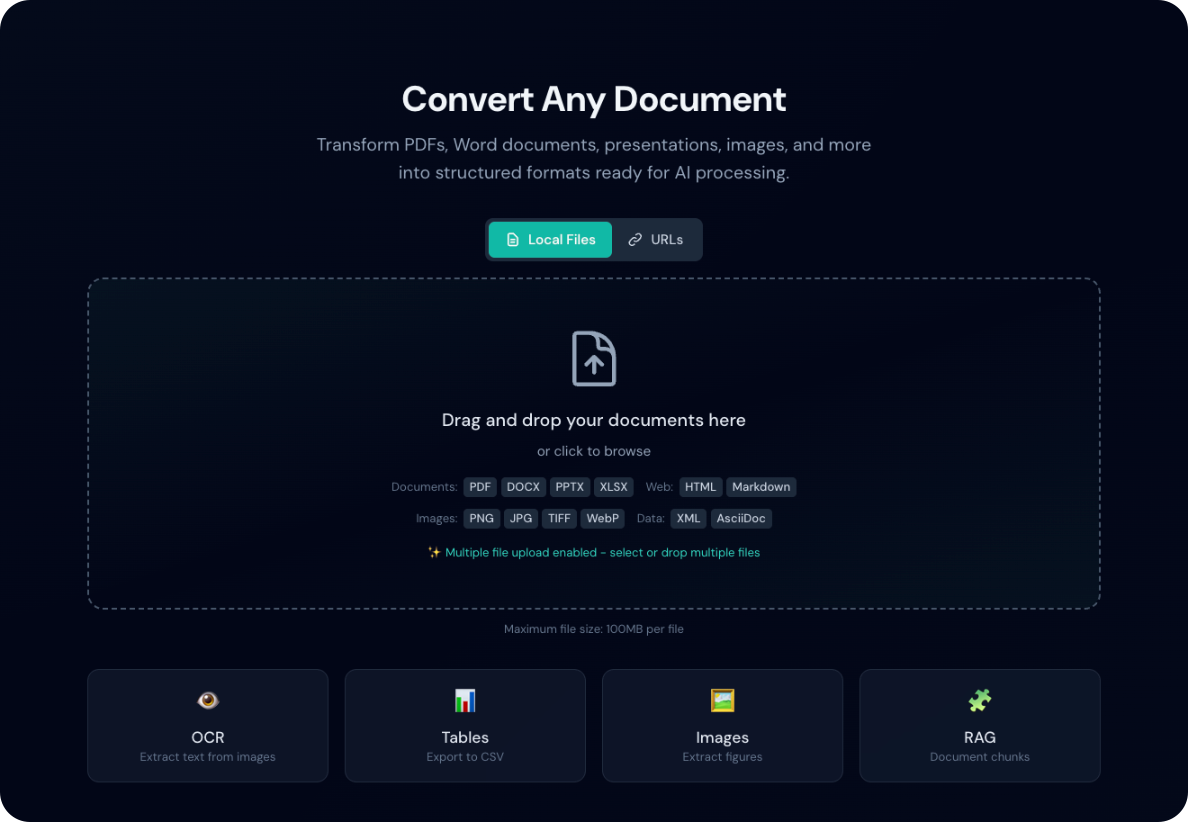
Dropzone

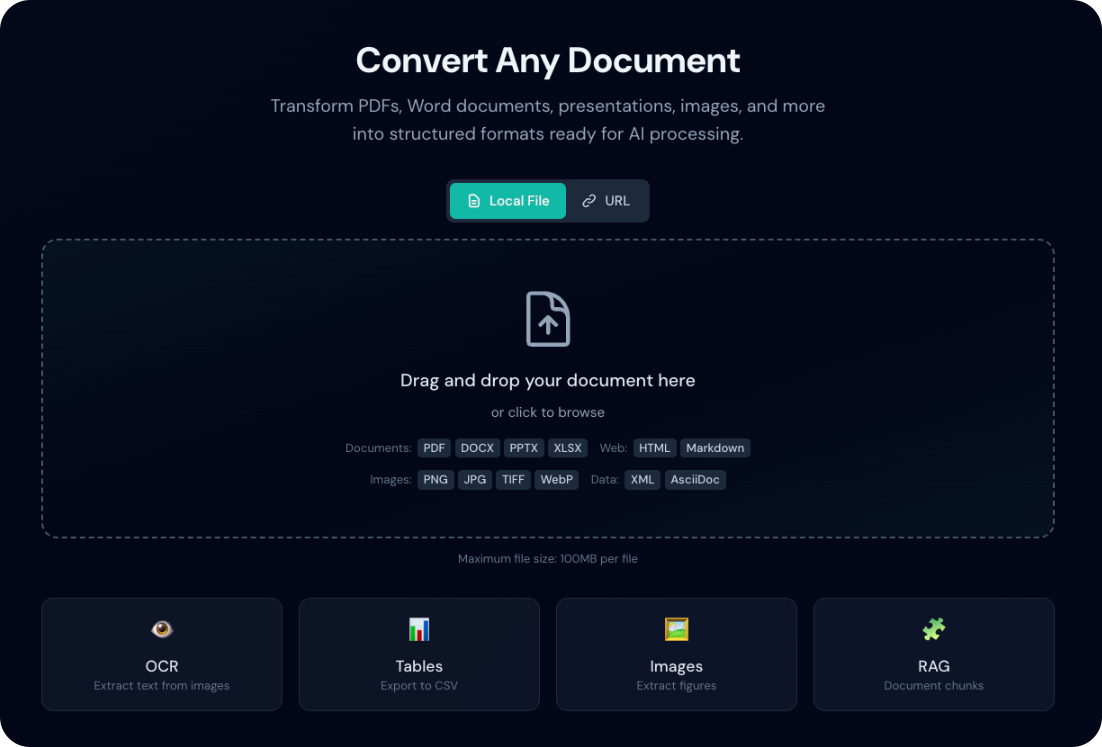
The main upload area where you drag and drop documents for conversion.
Dropzone Empty
Ready to receive files

Dropzone Hover
Visual feedback when dragging files

Dropzone Uploading
Upload progress indicator

Batch Mode
Multiple files in batch mode

Header
Application header with batch toggle and settings button

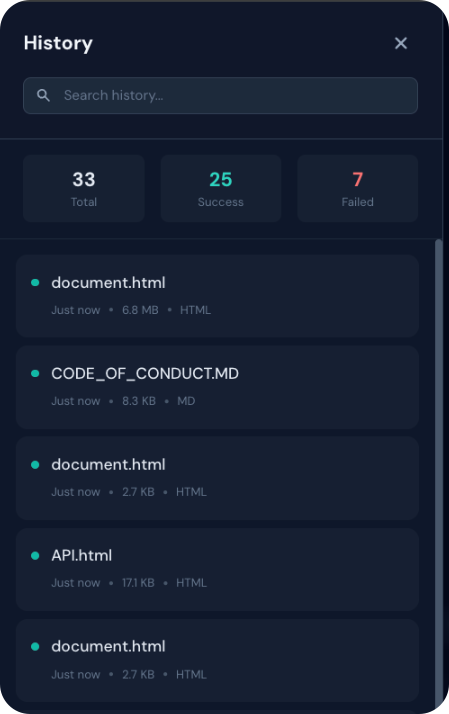
History Panel

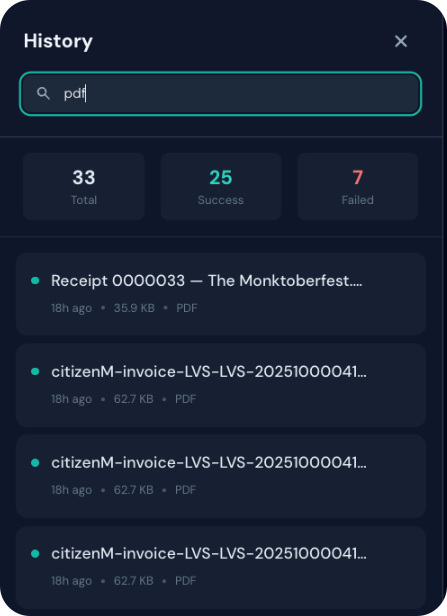
History Panel
List of previous conversions

History Search
Searching conversion history


Settings Panel

OCR Settings

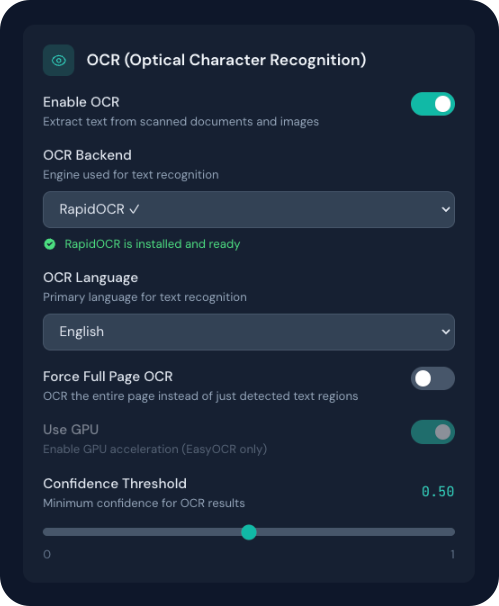
OCR Settings
OCR configuration options

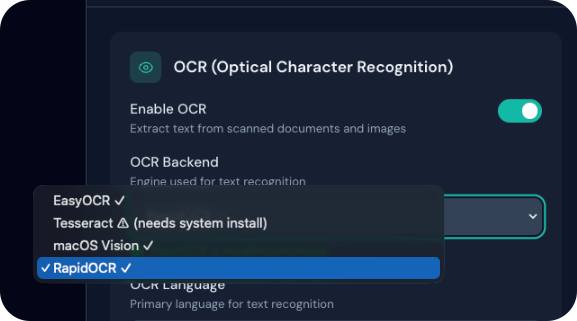
OCR Install
One-click backend installation

Tesseract
Manual installation instructions for Tesseract

Table Settings

Table Settings
Table extraction configuration

Image Settings

Image Settings
Image extraction options

Enrichment Settings

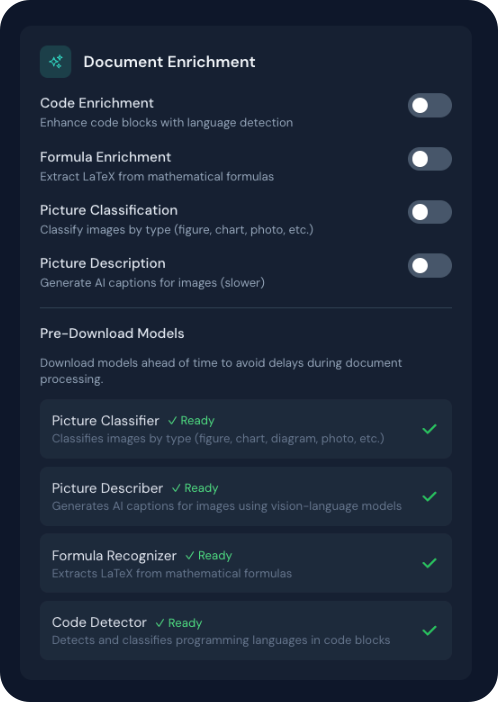
Enrichment Settings
Document enrichment options: code, formula, picture classification, and description

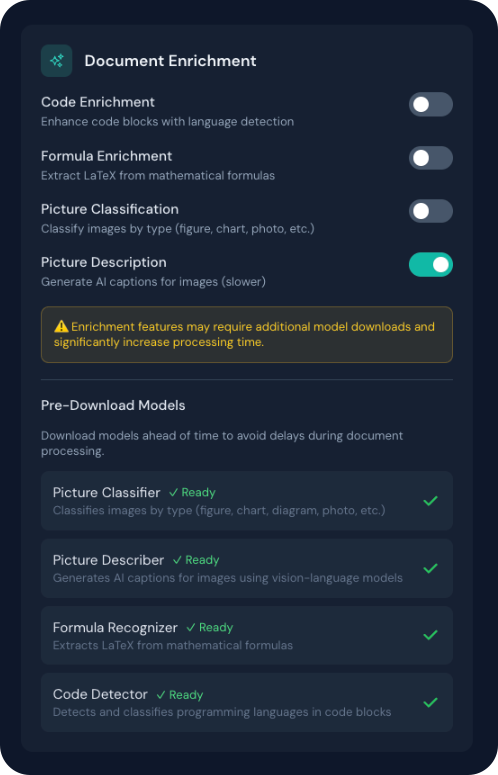
Enrichment Warning
Warning displayed when slow enrichment features are enabled

Performance Settings

Performance Settings
Processing performance configuration

Chunking Settings

Chunking Settings
RAG chunking configuration

Output Settings

Output Settings
Default output format selection

Export Options

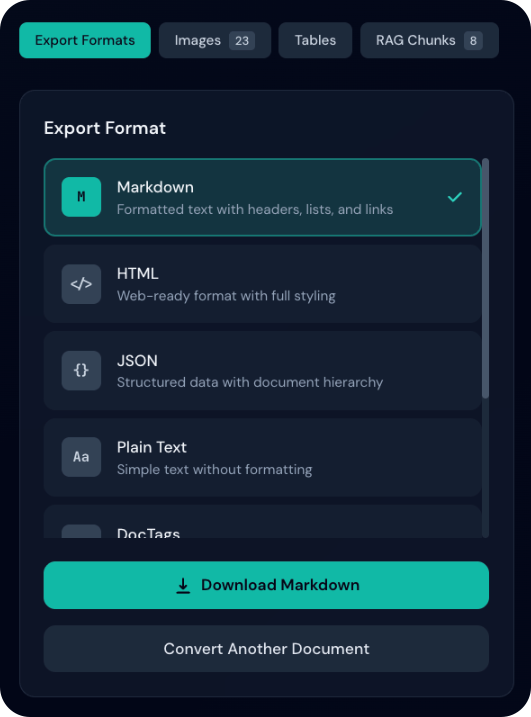
Format Selection

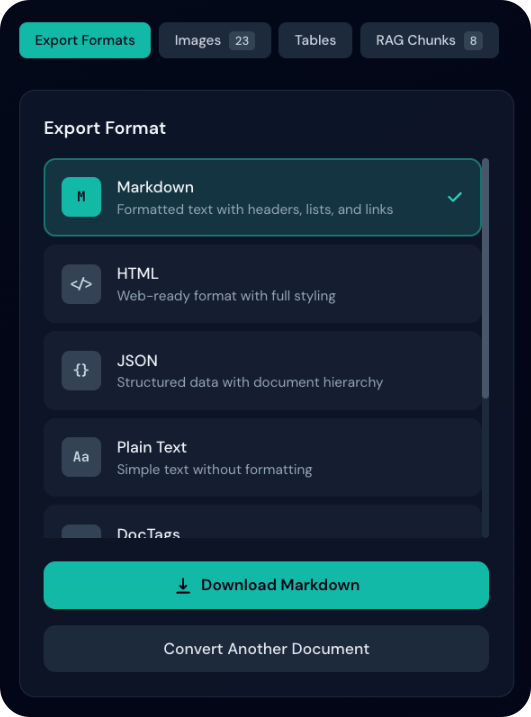
Export Formats
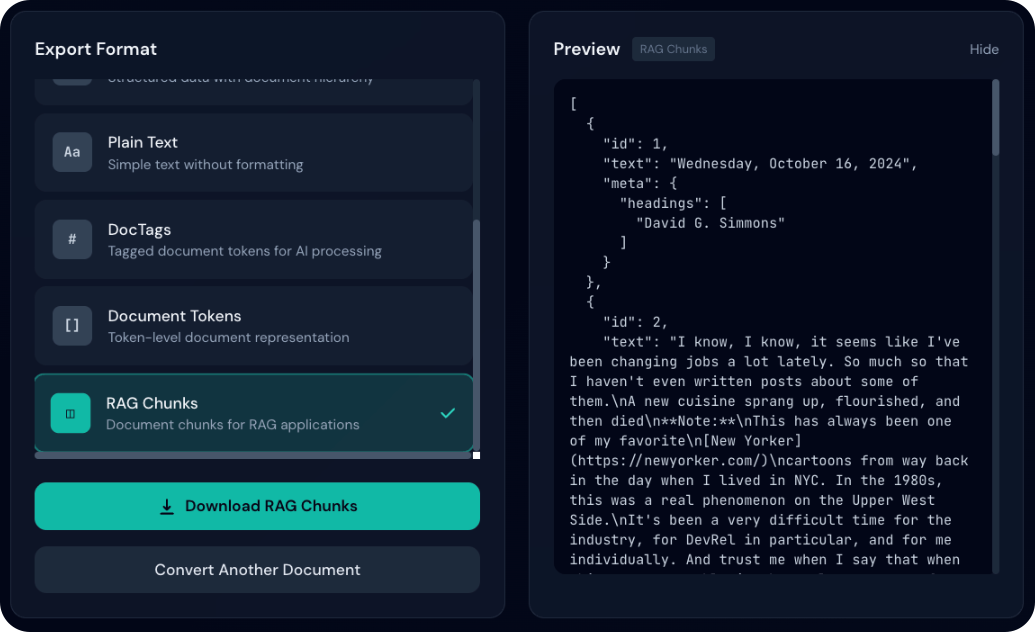
Available export formats

Format Selected
Format selected with checkmark

Preview Modes

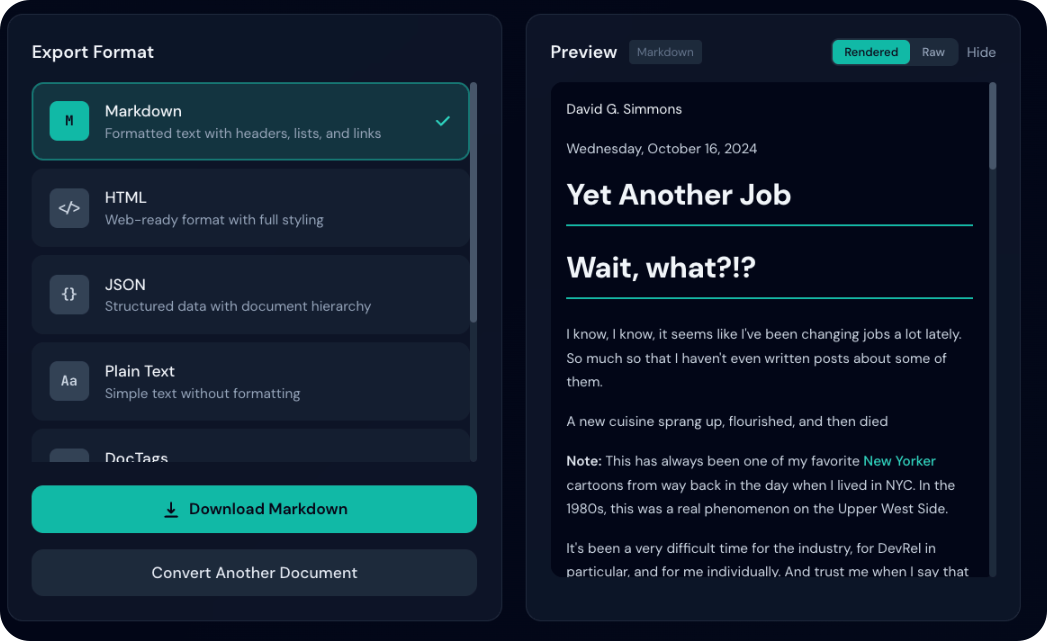
Preview Toggle
Toggle between rendered and raw views

Markdown Rendered
Rendered markdown with formatting

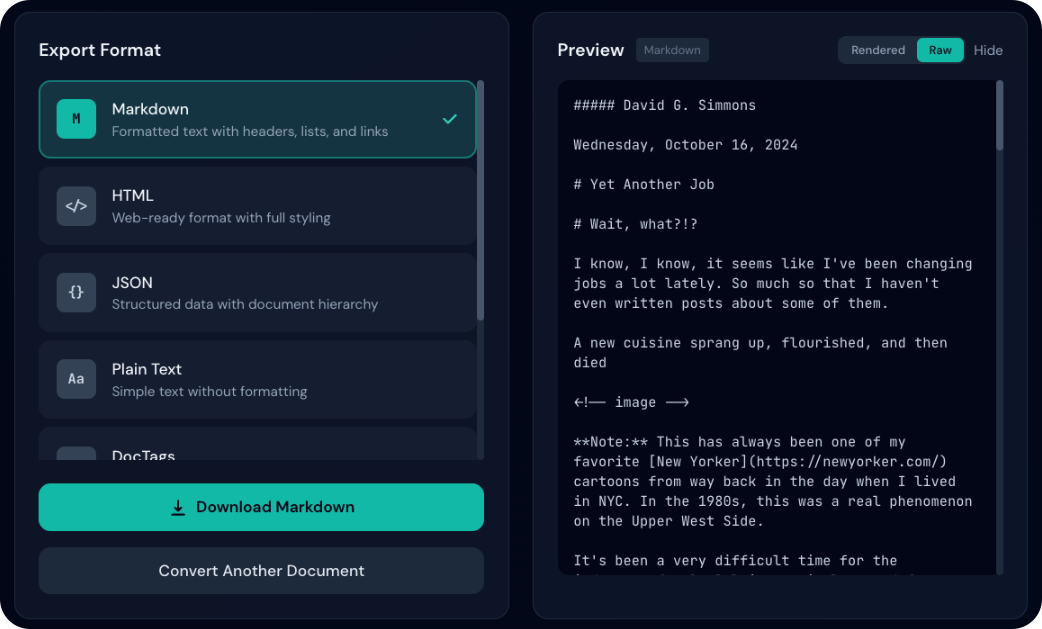
Markdown Raw
Raw markdown source

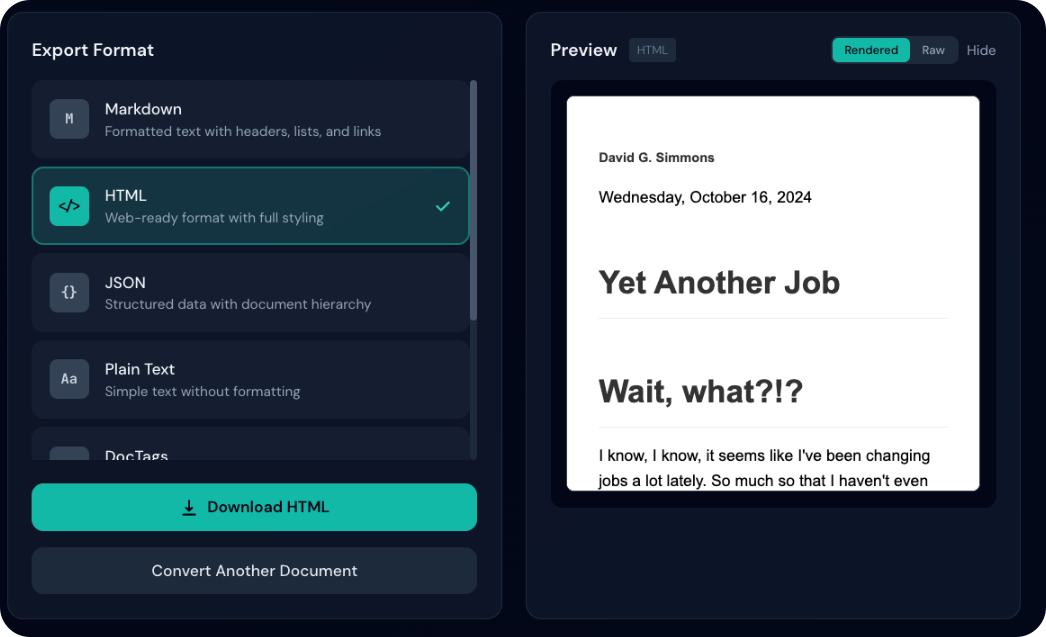
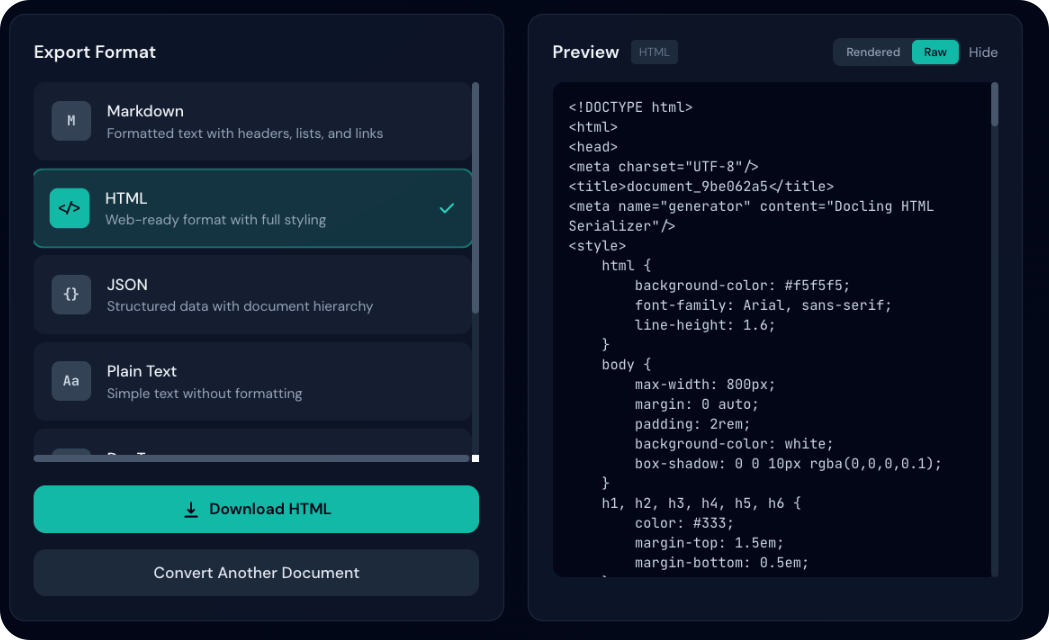
HTML Rendered
Rendered HTML with styling

HTML Raw
Raw HTML source code

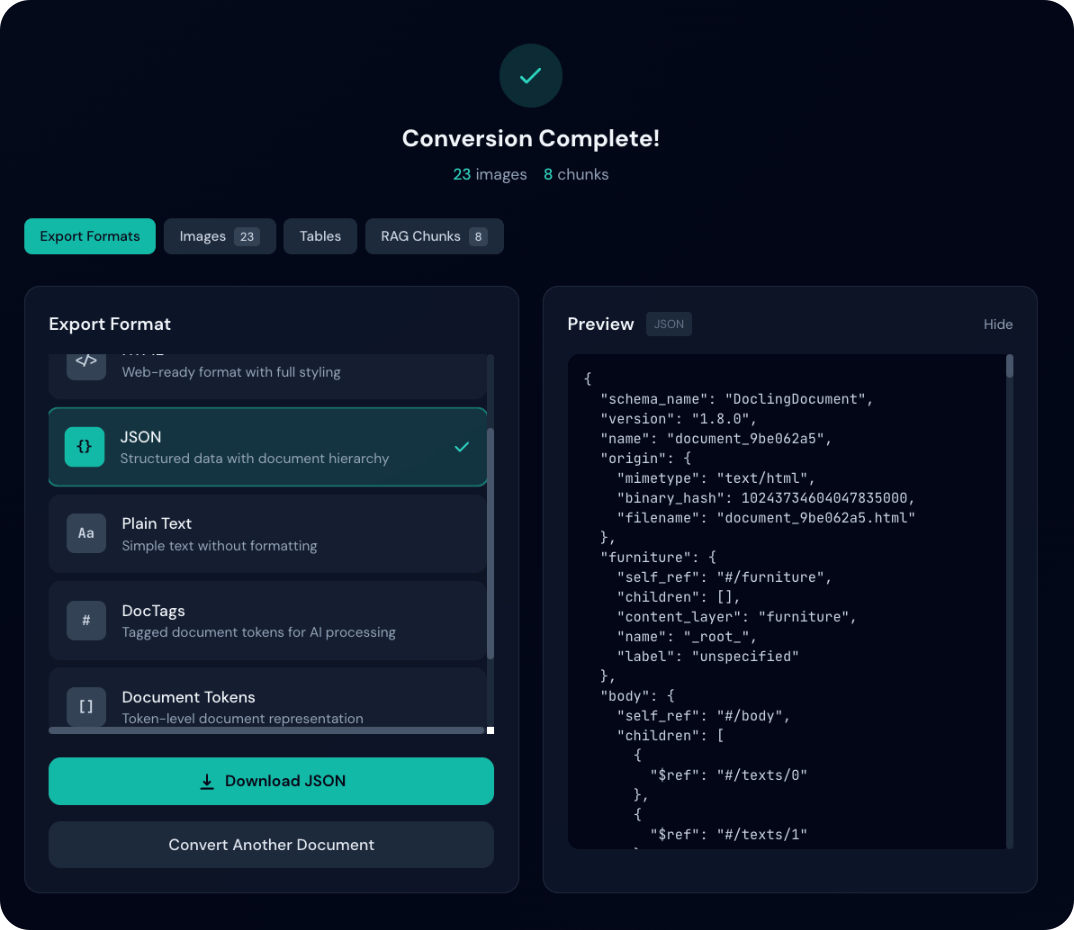
JSON Preview
Pretty-printed JSON output


Features in Action

Conversion Status
Conversion Progress
Document being processed

Conversion Complete
Successful conversion with stats

Confidence Display
OCR confidence percentage

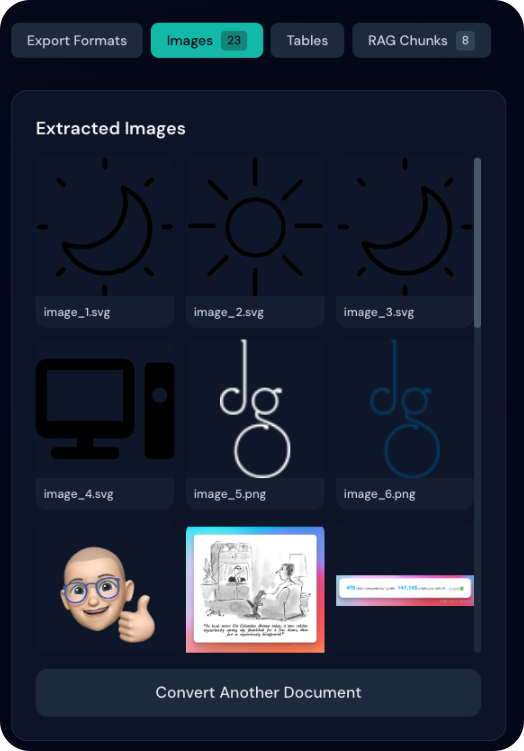
Images Gallery
Extracted images as thumbnails

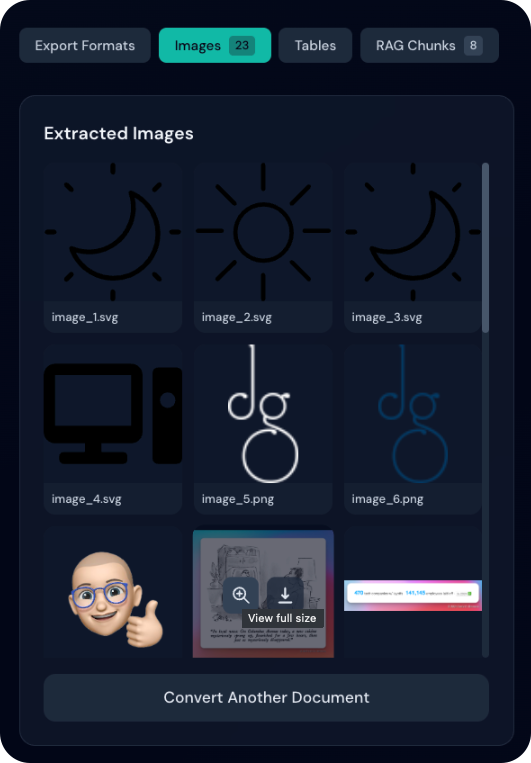
Images Hover
View and download buttons on hover

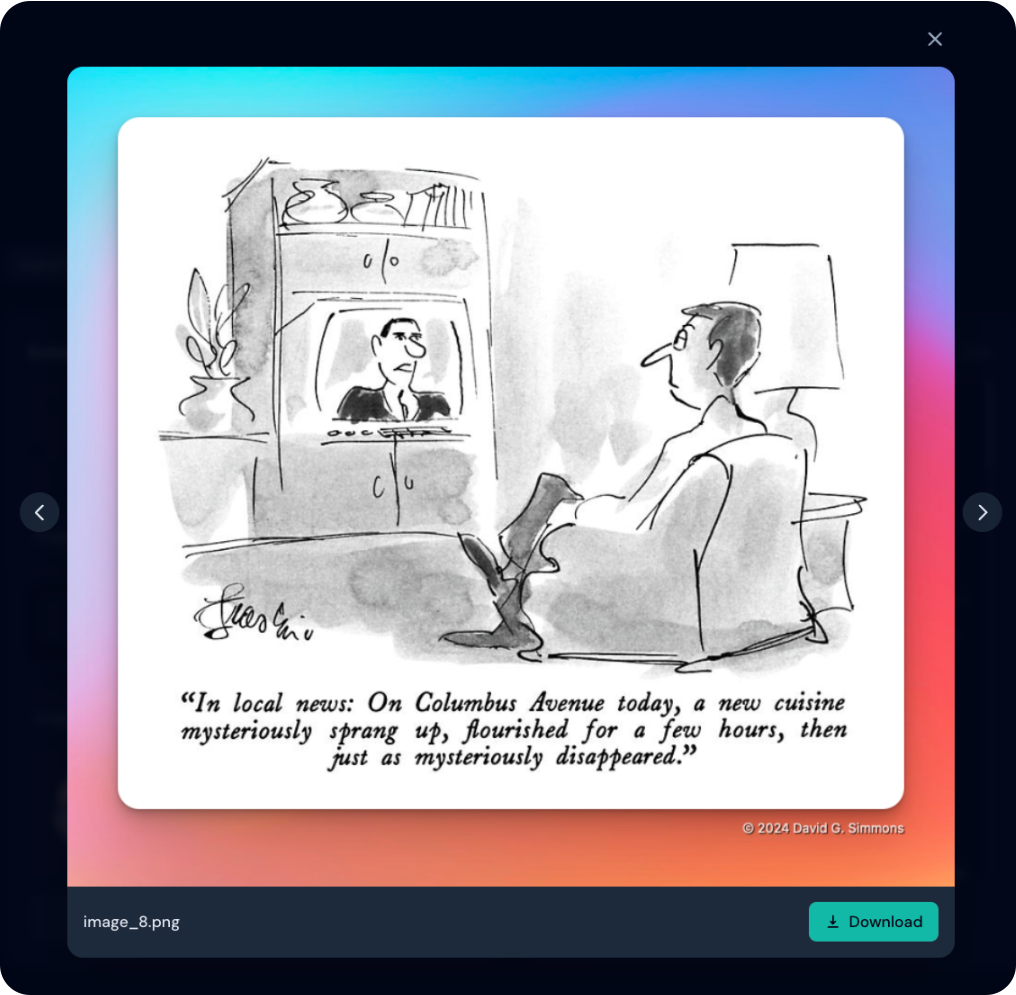
Images Lightbox
Full-size image viewer with navigation

Tables

Tables List
Extracted tables with previews

Tables Download
CSV and image export options

RAG Chunks

Chunks List
Document chunks with metadata